Upload your line art
Choose a PNG, JPG or WebP under 4 MB. Dark outlines on a white background work best.
Add color to your black-and-white drawings. Choose a palette, explore a coloring style and compare the result with your original line art.
Upload line art and let AI add cheerful colors. Keep your original, then compare and download the colored version.
2 credits per colored page, given back automatically if it fails. Your original stays unchanged; AI can change small details, so check the result. Free accounts: the colored page carries a small “Made with koloring.ai” badge. Subscribers get it clean.
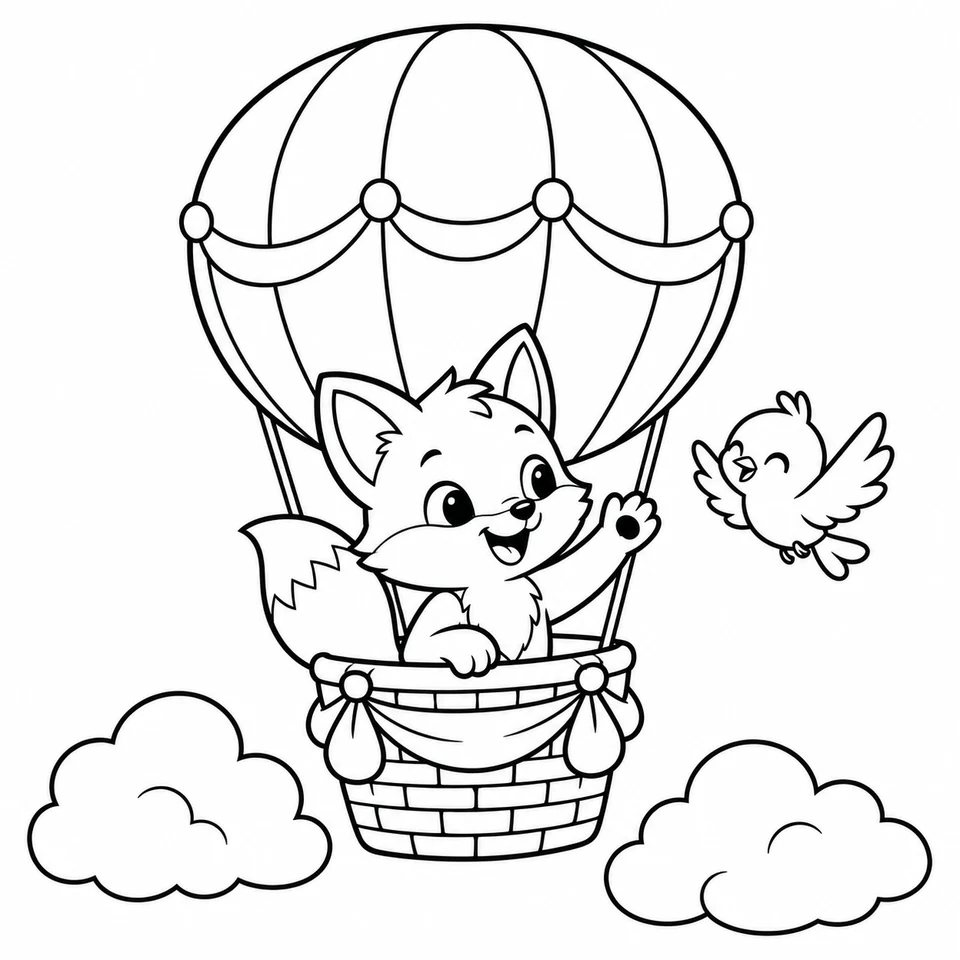
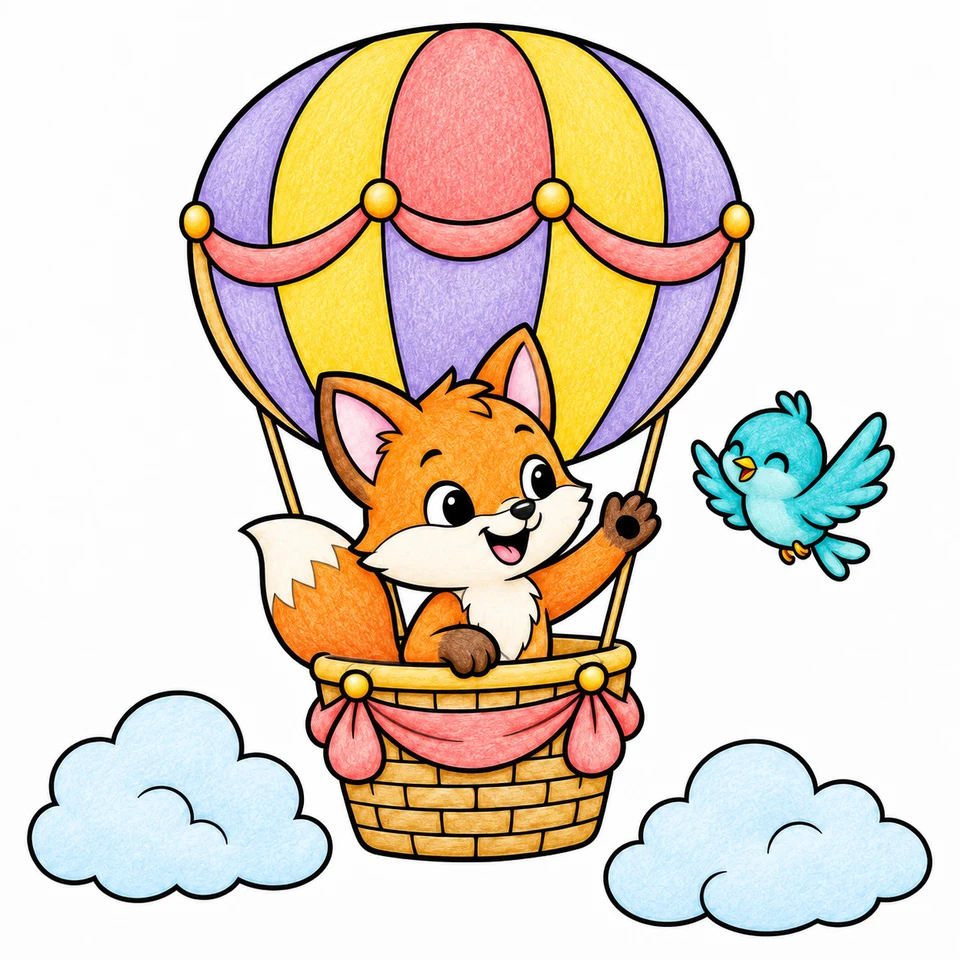
Example artwork. Upload your own page to color it.
Start with a clear drawing, choose the feeling you want, then look closely at the result.
Choose a PNG, JPG or WebP under 4 MB. Dark outlines on a white background work best.
Try cheerful flat colors, soft pastels, colored pencil or watercolor. Keep the background white or color the scenery already in your drawing.
Move the round handle across the picture. Check the lines and details, then download the colored PNG.
Try a color direction before getting out your pencils. Keep the original page for coloring by hand.
Explore a different mood for a sketch or an original illustration without overwriting your source file.
See how a finished page might feel next to its uncolored version. Review AI changes before sharing or printing.
No. This tool adds color to line art you already have. To make a blank coloring page from an idea or a photo, use the AI generator or the photo-to-coloring-page tool.
The AI is told to keep the drawing as it is, but it can change small details. Use the comparison handle to check the result. Your uploaded original is never changed.
The palettes guide the AI; they do not match exact colors. For full control over every area, color the page by hand on the online canvas.
Each colored page uses 2 credits from your account. If the coloring fails, the credits are given back automatically. Free accounts start with credits; plans and credit packs are on the pricing page.
You can download the colored PNG right away, and it is saved in your dashboard under AI creations. On a free account the page carries a small "Made with koloring.ai" badge; subscribers get it clean.