Create Your Own Coloring Book in Minutes
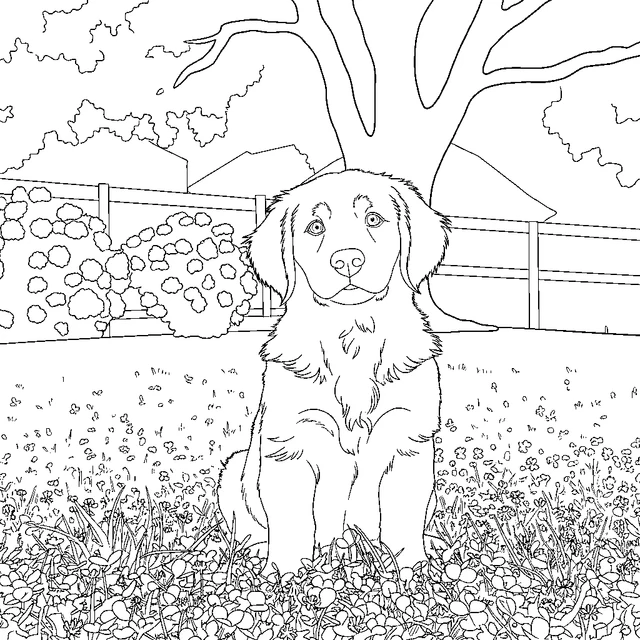
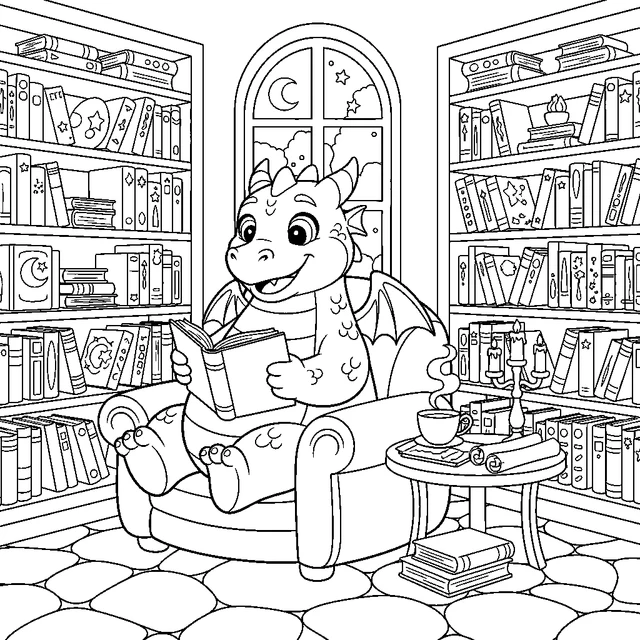
Pick your favorite coloring pages from our library of 732+ pages across 59 categories, arrange them in any order, and generate a printable PDF coloring book — complete with a cover page and table of contents.
Whether you’re a parent making a custom activity book for a road trip, a teacher building a classroom resource, or a grandparent creating a personalized gift, the coloring book creator makes it simple.
How It Works
Step 1: Browse and select. Tap any category to see its pages. Check the ones you want in your book. Mix and match across categories — combine unicorn coloring pages with dragon coloring pages and princess coloring pages for the ultimate fantasy book.
Step 2: Arrange your pages. Drag to reorder. Put the easy pages first for younger kids, or group by theme.
Step 3: Name your book. Give it a custom title — “Sofia’s Birthday Book” or “Mrs. Johnson’s Class Coloring Collection.”
Step 4: Generate and download. Click the button and get an instant PDF. Print at home or send to a print shop for a bound booklet.
Free vs Paid Coloring Books
Free plan:
- Up to 10 pages per book
- Pages include a small watermark
- Standard resolution
Any paid plan:
- Clean HD pages, no watermark
- Commercial license for classroom or resale use
Pro adds:
- Bigger books, up to 20 pages
Ideas for Your Coloring Book
- Birthday party favors — make a themed book for each guest
- Road trip activity kit — 10 pages to keep kids busy for hours
- Classroom rewards — “Friday Fun Book” for students
- Holiday gifts — personalized Christmas or birthday books
- Quiet time bundle — doctor’s office, restaurant, airplane
Add Your Own AI-Generated Pages
Want pages that don’t exist in our library? Create custom coloring pages with AI first, then add them to your book. Describe anything — “a dinosaur at a birthday party” or “my cat wearing a superhero cape” — and get a unique page in seconds.
Frequently Asked Questions
Can I print the coloring book at home?
Yes! The PDF is formatted for standard A4 or Letter paper. Print double-sided for a real book feel, or single-sided so kids can color without bleed-through.
How many pages can I add?
Free users can add up to 10 pages. Pro subscribers can add up to 20 pages per book. Create multiple books if you need more.
Can teachers use this for classrooms?
Absolutely. Create themed books for lessons, rewards, or quiet activities. Any paid plan includes a commercial license for classroom distribution.