What Photos Work Best?
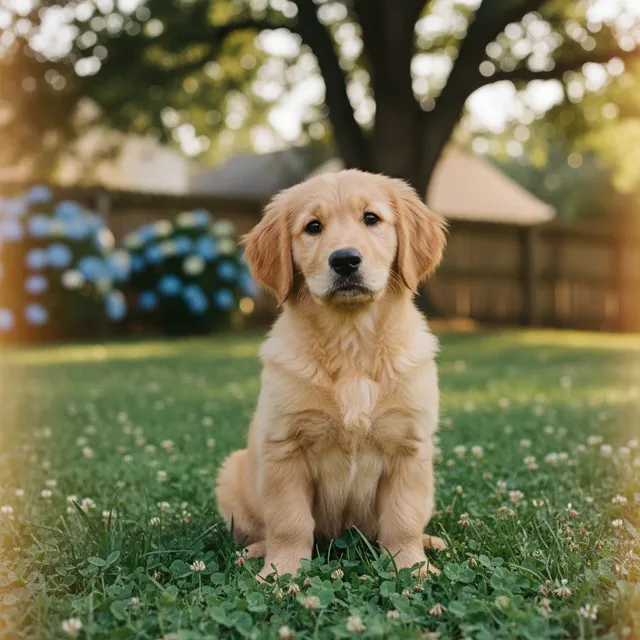
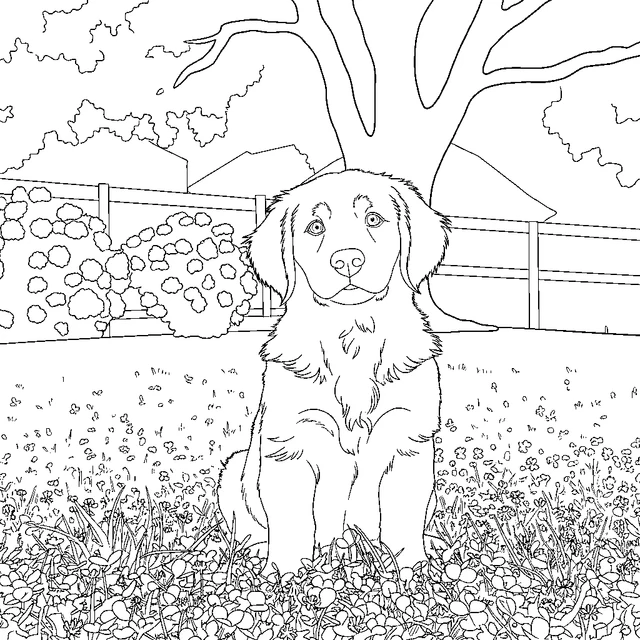
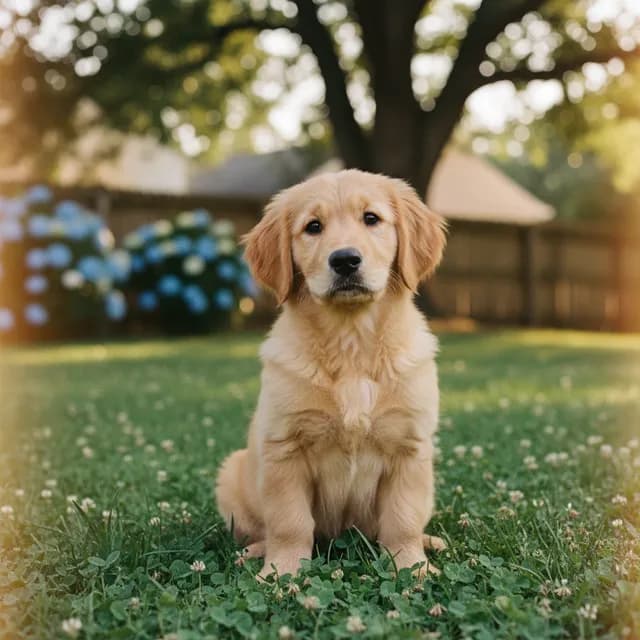
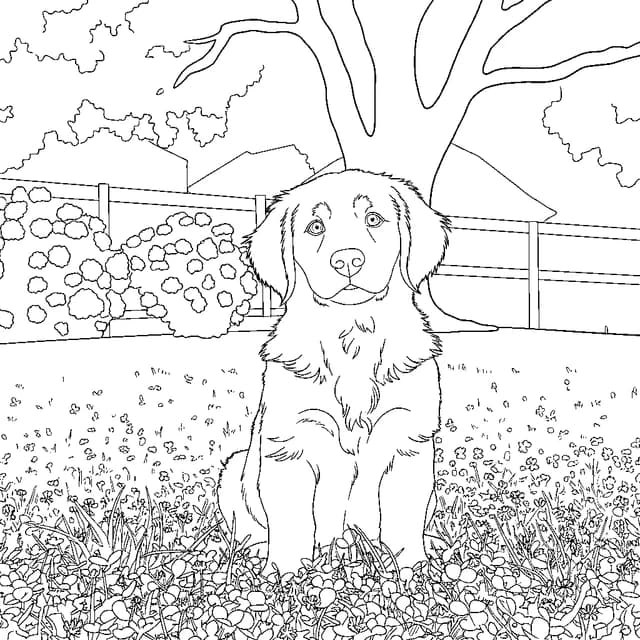
- Pet photos — kids love coloring their own dog, cat, or hamster. A clear shot of the animal facing the camera converts beautifully.
- Family photos — birthdays, holidays, a day at the beach. One to three people with faces visible works best.
- Vacation photos — landmarks, landscapes, and city scenes become intricate pages older kids and adults enjoy.
- Kids’ favorites — their bike, a beloved toy, the view from their window. Personal subjects keep them coloring longer.
For the cleanest result, pick a photo with one clear subject and decent lighting. Busy backgrounds still work — they just become more detailed pages, closer to an adult coloring book.
Why It Keeps the Subject Recognizable
Most converters describe your photo in words and then draw something from that description — which is why their results look like generic clip art. Ours traces the actual image: the AI reads your photo’s pixels directly and converts the real subject, pose, and composition into line art. Your golden retriever comes out looking like your golden retriever.
What You Can Do With It
Color online — open the page in our digital canvas with 9 brushes (crayon, marker, watercolor, glitter, neon and more). Trace on paper — project it through your phone camera with Camera Trace & Sketch and trace with real crayons. Print it — download and print at home; free downloads carry a small watermark, any paid plan downloads are clean HD.
Prefer typing to uploading? The same tool also generates pages from a text description — see the AI coloring page generator, or browse our free coloring page catalogue.
Frequently Asked Questions
Is the photo to coloring page converter free?
Yes — you get 2 free conversions with no sign-up, and signing in (free) unlocks more. A paid plan gives you a monthly pool of credits for photo conversions plus HD watermark-free downloads. Free results carry a small watermark. See the pricing page for current plans.
What happens to my photo?
Your photo is used to create your coloring page and isn’t shared or published anywhere. Every upload also passes an automated safety review — the platform is built for kids. See our privacy policy and content policy.
What file types can I upload?
PNG, JPG, and WebP up to 5 MB. You can also paste an image from your clipboard or drop in an image URL.
Can I print the result?
Yes — every conversion downloads as a print-ready PNG sized for standard paper. Free downloads include a small watermark; Pro removes it and unlocks HD.