Add “Turn into Coloring Page” to any website
One script tag. Hover any image on your site → 🎨 overlay button → opens Koloring.ai with that image pre-loaded for conversion. Free, ~2 KB gzipped, no dependencies, no tracking.
1. Paste this before your closing </body> tag
That’s the whole install. The widget self-attaches to every <img>larger than 100 × 100 px on every page (including images that load dynamically after the page is interactive).
<script src="https://koloring.ai/widget.js" defer></script>2. Try it
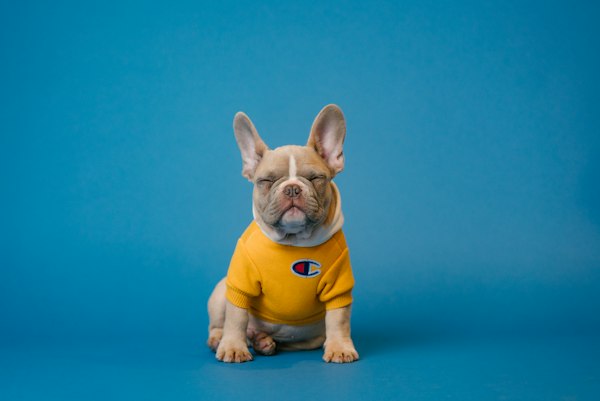
The widget is loaded right here on this page. Hover any sample image below — the 🎨 button appears in the corner. Click it to open a new tab with that image queued in the Photo tab.



3. Customize (optional)
Set data-* attributes on the same <script> tag. All optional — the defaults are sensible for most sites.
<script
  src="https://koloring.ai/widget.js"
  data-position="top-right"
  data-theme="light"
  data-min-size="120"
  data-utm="my-blog"
  defer
></script>| Attribute | Values | Default |
|---|---|---|
data-position | top-right · top-left · bottom-right · bottom-left | top-right |
data-theme | light · dark | light |
data-min-size | pixel threshold (number) | 100 |
data-utm | any string | — |
Add data-koloring-skip to any individual <img> to opt that image out (useful for logos, avatars, decorative icons).
Details
- Size: ~6.6 KB raw, ~2 KB gzipped. No dependencies.
- Privacy: the widget reads no DOM content beyond
<img>dimensions andsrc. Nothing is sent anywhere until a user clicks the button — and even then it’s a normaltarget="_blank"link tokoloring.ai/create. - Dynamic images: event delegation on
documentmeans images added by React / Vue / Pinterest infinite-scroll / etc. all work automatically. - z-index: the overlay uses the max 32-bit integer so it sits above modals, sticky headers, and the Webflow nav. Override with your own stylesheet if you have something on a higher layer.
- CSP: the widget injects no inline styles or scripts at runtime — only one fixed-position button element. If your CSP blocks the script itself, allow
script-src https://koloring.ai. - Pricing: the widget is free. The conversions it drives are subject to Koloring.ai’s normal limits — a free photo to try, then a monthly pool of credits on any paid plan (see pricing).