

Turn Your Kid’s Drawings Into Real Coloring Pages
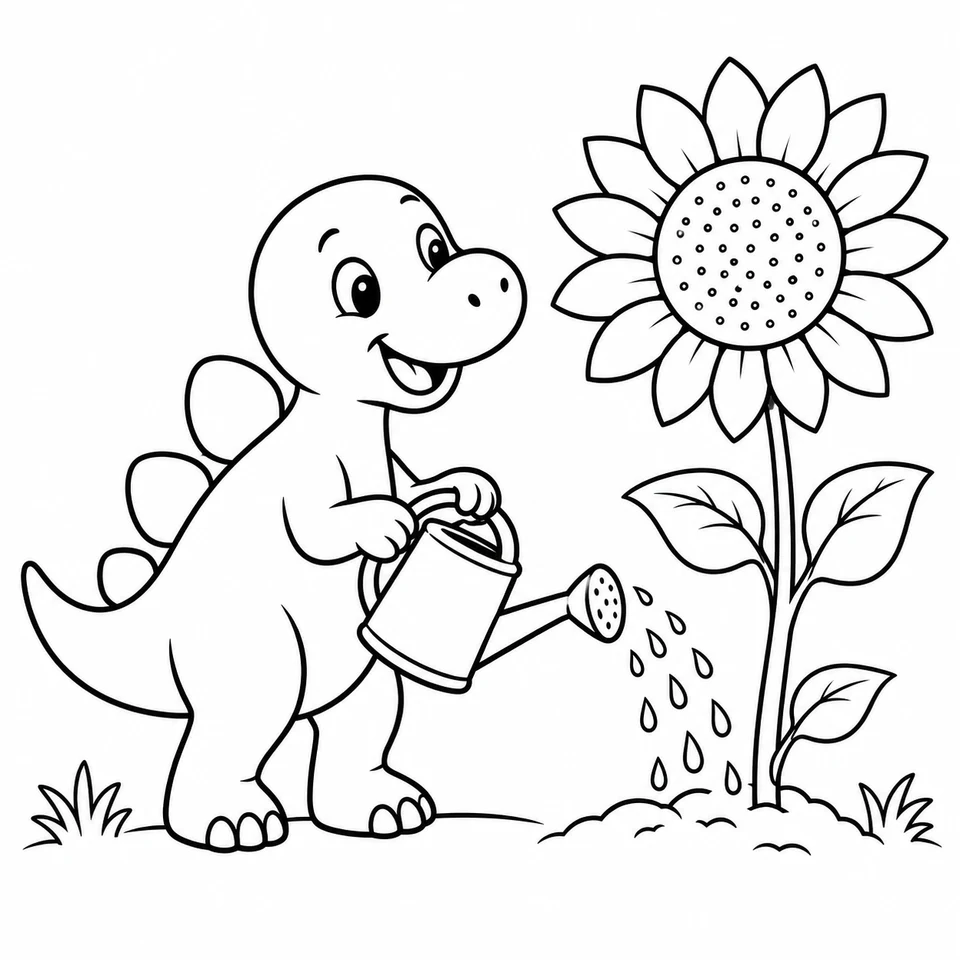
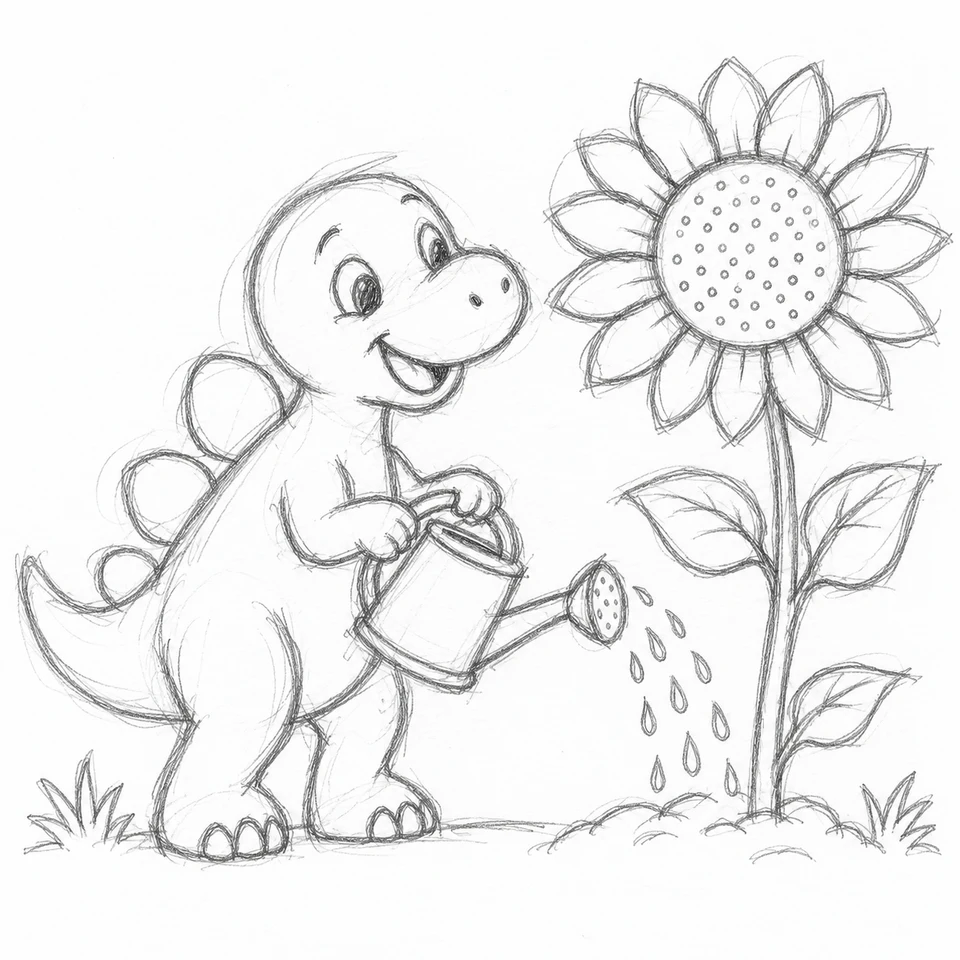
Every child’s drawing tells a story. That wobbly house with the giant sun? That’s their world. The stick-figure family holding hands under a rainbow? That’s everyone they love on one page. Now you can transform those drawings into professional coloring pages they can color, print, and be proud of — without changing what makes the drawing theirs.
Unlike tools that describe a picture in words and draw something new from the description, ours reads the drawing itself. The AI keeps your child’s composition — if the cat is on the roof, the cat stays on the roof — and turns the wobbly strokes into clean, confident outlines ready for crayons.
The Magic of Before & After
The real joy is seeing both versions side by side. Kids light up when they recognize their own idea drawn “like a real book” — it tells them their imagination was worth taking seriously. Child-development research consistently links this kind of validation to creative confidence: when adults treat a child’s art as worth building on, the child draws more, not less. The pro version doesn’t replace the original — it celebrates it.
That’s why the tool includes a one-tap Share Before/After button: it builds a side-by-side image of the original drawing and the finished coloring page, sized for Instagram, Facebook, or the family group chat. Grandparents love it.
Ideas for What to Do Next
- Color it together — open the pro version in our online coloring canvas; your child colors their own creation with digital crayons and stickers.
- Print a mini gallery — transform a few favorites and print them as a “my art, remastered” wall for their room.
- Trace it on paper — project the clean version through Camera Trace & Sketch and let them re-draw it with real markers, a great fine-motor exercise.
- Make it a gift — a grandparent coloring the grandchild’s own drawing is a card no store sells.
Frequently Asked Questions
Is the drawing transformer free?
Yes — your first transformation is free with no account. Signing in (free) unlocks more, and a paid plan gives you a monthly pool of credits for drawing and photo transformations plus HD watermark-free downloads — see the pricing page for current plans.
What kinds of drawings work?
Anything — crayon scribbles, pencil sketches, marker doodles, finger paintings. A clear photo of the paper in decent light works best. The AI is built to interpret generously: stick figures, lopsided suns, and floating houses all come through.
Will it change my child’s drawing?
It keeps the composition — every subject stays where your child put it. The AI cleans up the linework and adds professional polish, and you can choose “Keep Original Style” for the most faithful version or cartoon / kawaii / realistic for a fun twist.
What happens to the uploaded drawing?
It’s used to create your coloring page and isn’t published anywhere. Every upload passes an automated safety review — the platform is built for kids. See our privacy policy.