Create Coloring Pages from Kids' Own Drawings
By Koloring Editorial Team
Upload your child’s artwork to a free AI converter and get a printable coloring page in seconds. This guide covers how to prep drawings for the cleanest outlines, why converted art makes the best personalized gifts, and what to do when drawings are too detailed or messy.
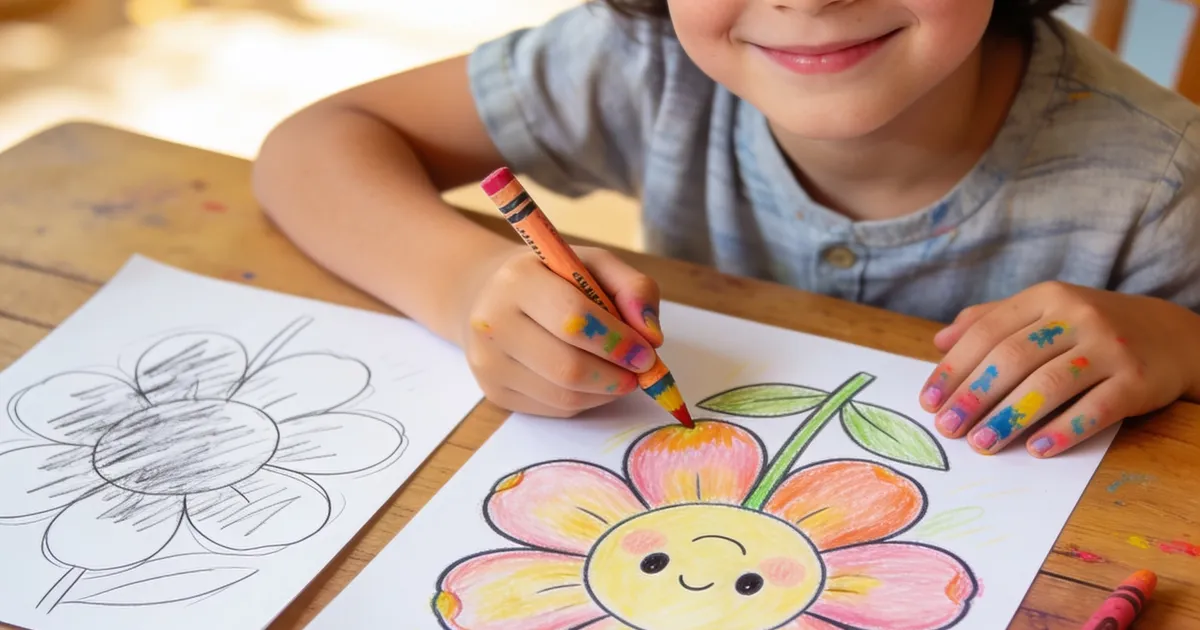

You can turn your child’s artwork into a clean, printable coloring page in under a minute using an AI tool that traces their lines and converts them into bold outlines. The result is a custom coloring sheet your kid can color again and again — or you can share with grandparents, teachers, and friends. This means every crayon masterpiece on your fridge can become a fresh activity instead of a one-and-done creation.
The process works best with drawings that have clear, dark lines on a plain background. Snap a photo with your phone, upload it to a drawing-to-coloring-page converter, and the AI does the rest. You get back a black-and-white outline version ready to print.
What’s the Easiest Way to Turn Kids Drawings Into a Coloring Page?
The fastest method is uploading a photo of the drawing to a dedicated conversion tool that automatically detects lines and removes color fills. At koloring.ai, the drawing converter processes your upload in seconds and outputs a page with crisp outlines optimized for crayons, markers, or colored pencils.
You don’t need Photoshop, scanning apps, or any design skills. A well-lit phone photo works fine. The key is getting the original drawing right before you upload — and that’s where a small prep step makes a big difference.
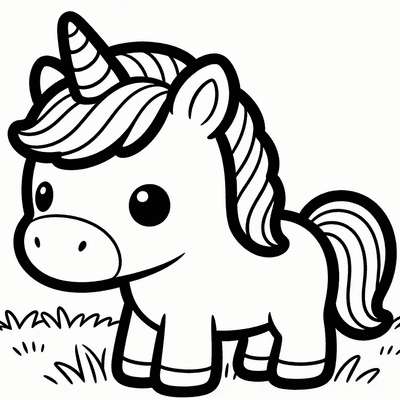
A tip you won’t find on most tutorial sites: Have your child trace over their finished drawing with a black marker or dark crayon before you photograph it. Thicker, darker lines give the AI more signal to work with. The cartoon style on the converter uses bold 2pt outlines that match perfectly with bucket-fill coloring apps and physical crayons alike. When my own kid started outlining her unicorns in black marker first, the converted pages came out dramatically cleaner — fewer broken lines, fewer gaps in the tail.
Why Turn Your Child’s Art Into a Coloring Page?
A drawing turned into a coloring page becomes a reusable activity. Your child can color their own design multiple times, experimenting with different color combinations each round. It also makes a deeply personal gift — grandparents light up when they receive a coloring sheet created from their grandchild’s actual artwork.
Teachers use this trick too. A classroom full of kids can each contribute one drawing, and by the end of the week every student has a custom coloring book made from their friends’ art. According to Scholastic, coloring and drawing both strengthen fine motor skills and train the brain to focus — so the conversion process doubles the developmental mileage of one creative session.
Many parents find that kids who resist coloring “someone else’s pages” will eagerly color their own creations. There’s an ownership and pride factor that pre-made coloring sheets simply can’t match.
How to Get the Best Results from Your Child’s Drawing
Start with a drawing on plain white paper — no lines, no grid, no colored backgrounds. Busy backgrounds confuse the line detection and create muddy outlines. Place the paper flat under natural light and shoot from directly above to avoid skewing the proportions.
The three factors that most affect output quality are line darkness, background simplicity, and photo angle. A drawing done in light pencil on cream construction paper photographed at a tilt will produce a messy result every time. A drawing done in black marker on bright white paper photographed straight-on will convert beautifully.
Free printable coloring pages and creative ideas, straight to your inbox.
No spam. Unsubscribe anytime.
If your child loves working in pencil, that’s fine — just go over the final lines with a dark crayon or marker before photographing. The extra pass takes 30 seconds and transforms the conversion quality. The NAEYC notes that process-focused art activities — where kids revisit and refine their work — build persistence and planning skills. That second pass with the marker isn’t just prep for the tool; it’s a learning moment in itself.
What If My Child’s Drawing Is Too Detailed or Messy?
Simplify before you upload. If the drawing has dozens of tiny scribbles, light shading, or overlapping elements, the converted outline can turn into visual noise. Pick one section of the drawing to convert — crop the photo around the clearest character or shape — and leave the rest out.
Another approach is to use the drawing as inspiration rather than a direct source. Upload it, see what the converter produces, and if the result is too cluttered, ask your child to redraw just their favorite part on a fresh sheet. Many parents tell me their kids actually enjoy this “do-over” step because it feels like a professional art process. The second drawing is almost always cleaner and more intentional.
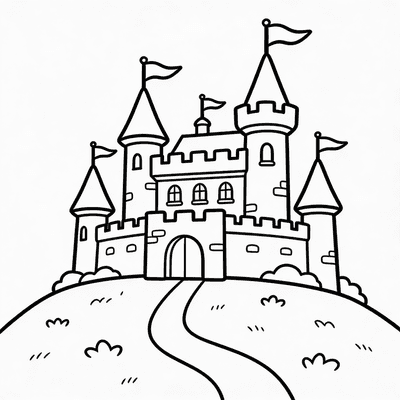
For kids who love detailed scenes — castles with fifty windows, jungles with twenty animals — try converting individual elements separately. Turn the dragon into one coloring page, the castle into another. You end up with a mini coloring book built from one ambitious drawing.
Frequently Asked Questions
Can I turn a toddler’s scribble into a coloring page?
Yes, and the results can be surprisingly charming. The converter works best with intentional marks rather than light, wispy scribbles, so have your toddler use a chunky marker or crayon with a firm grip. The resulting outline will capture their raw, energetic lines — and they’ll love seeing their own marks turned into something “official” they can color inside. For toddlers just starting out, browse easy coloring pages with thick outlines to build their confidence alongside their custom creations.
What paper size should I print the converted coloring page on?
Standard US letter size (8.5 x 11 inches) works perfectly and matches what most home printers produce. The converted file downloads as a PDF scaled to letter size by default. If you’re in a region using A4 paper, select “fit to page” in your printer settings and the outlines will adjust without distortion. For extra-large coloring sessions, some parents print at 11 x 17 at a local copy shop — the bold outlines hold up well at larger scales.
Can I edit the converted coloring page after it’s generated?
The converter produces a clean outline page, but if you want to tweak it further, you can open the PDF in any basic image editor and erase unwanted lines or add text. Some parents add a “Happy Birthday, Nana!” caption at the top before printing. For more advanced editing, the AI coloring page creator lets you generate entirely new pages from text prompts if the converted result isn’t quite what you wanted.
Turn your child’s next drawing into a printable coloring page — upload it here and you’ll have a custom sheet ready in under a minute, no signup required.
Free printable coloring pages and creative ideas, straight to your inbox.
No spam. Unsubscribe anytime.