Turn a photo into a coloring page
Upload any photo (your child, your dog, a holiday snap) and get clean black-and-white line art to print or color online. 1 free conversion, no account needed.
That photo? A whole new way to play.
Pets, family moments and little keepsakes. Explore how a familiar picture can become a page waiting for their favorite colors.

Drag to discover
Watch a photo become a coloring page
Upload any photo and watch it turn into clean, printable black-and-white line art in seconds — free, instant, and no app to install.
Photo to coloring page examples
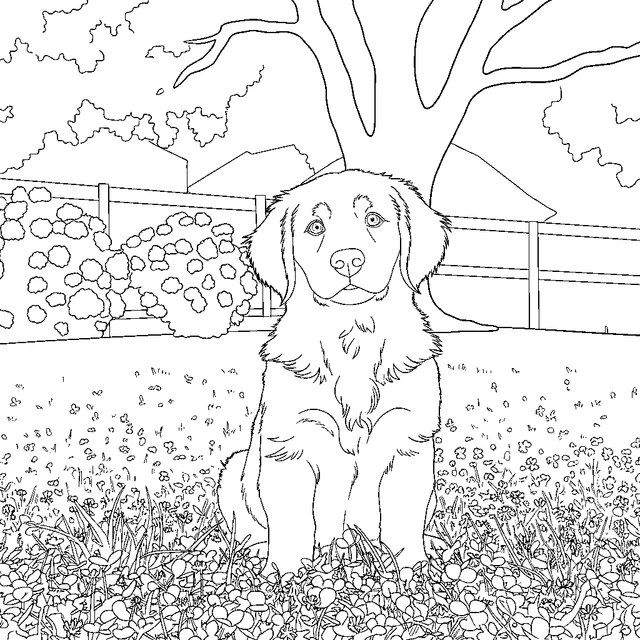
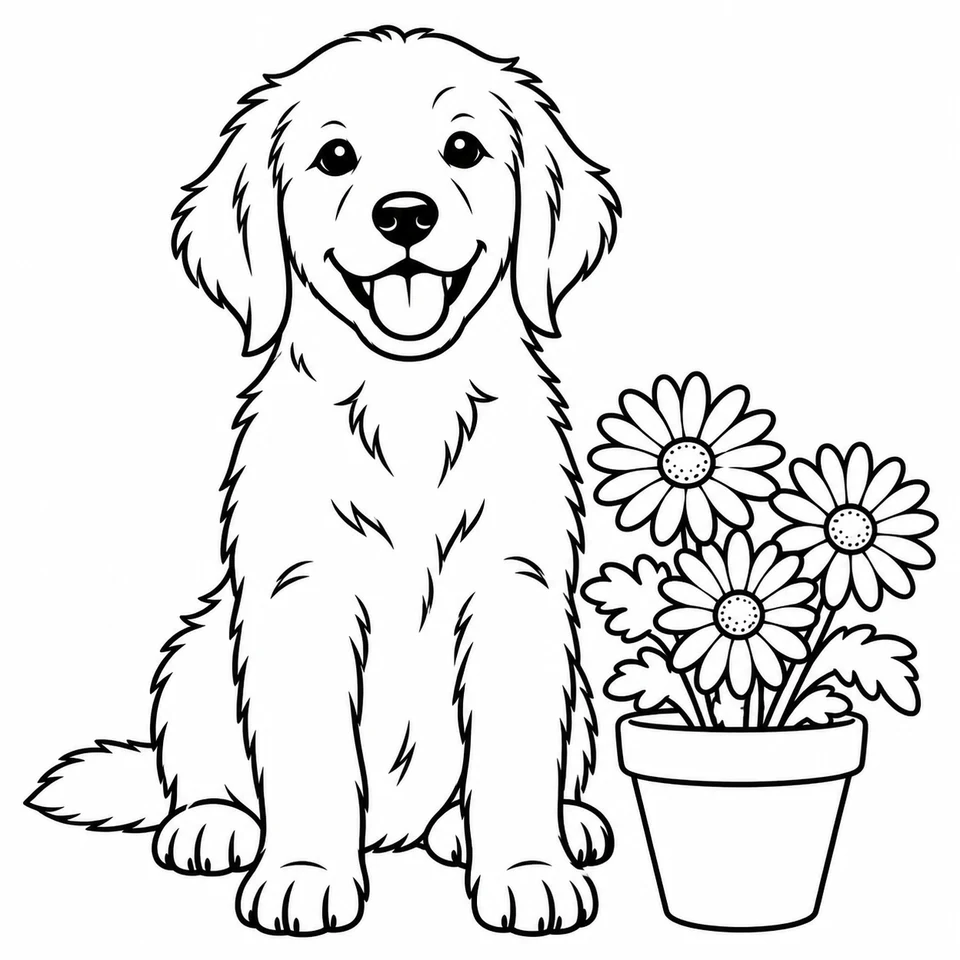
Each pair is the original photo next to the page the converter made from it, at the same size.
How it works
Upload a photo
JPG, PNG or WebP up to 5 MB, or paste an image link. Clear photos with one main subject work best.
Pick a style and detail level
Choose from 11 styles (normal, cartoon, realistic, kawaii, mandala, stencil, cozy, anime, vintage, geometric and whimsical) and simple, medium or detailed lines.
Download, print or color online
Your page appears in seconds as a PNG. Print it on US Letter or A4, or open it in the online coloring canvas.
Turn any picture into a coloring page
A photo-to-coloring-page converter traces the shapes in your picture and redraws them as clean outlines with nothing filled in, so every area is ready for crayons or markers. Unlike a filter, it doesn’t just darken the edges: it simplifies the picture into closed shapes a child can actually color. Pick simple for toddlers (big shapes, thick lines), medium for most kids, and detailed for older kids and adults who like small areas.
Photo to coloring page ideas
- Your kids. A birthday, a first day of school, a dance recital. Kids love coloring themselves.
- Pets. Dogs and cats convert especially well; pick cartoon or kawaii for a cute version.
- Family gifts. Turn a family photo into a page for grandparents to color, or make a few and build a small book with the coloring book maker.
- Trips and places. A beach, a mountain, your house, a landmark. Holiday photos become a keepsake to color on a rainy day.
- Classrooms. A class photo or a school trip turned into a page the whole class can color.
Tips for the best result
- Use a photo with one clear subject and a plain background. Busy backgrounds become busy pages.
- Faces work best front-on and well lit.
- If the first result is too detailed, try the simple level or the cartoon style.
- For a whole photo book, convert the photos one at a time; when you are signed in they are saved in your creations and can be added to a book later.
Free photo to coloring page conversion
1 free conversion with no account. A free account then comes with 6 starter credits; a photo conversion uses 2 credits. Paid plans add a monthly credit allowance and clean, badge-free HD downloads. Free pages carry a small “Made with koloring.ai” badge in the corner.
Can I sell pages made from my photos?
Yes. Pages you make with our tools from your own photos can be used commercially on every plan, Free included, including inside coloring books you sell on Amazon KDP or Etsy. Free downloads keep the badge (don’t remove it); paid plans give clean files. Use only photos you have the right to use, and remember that third-party characters, brands and logos are never covered. See §4.3 of our terms.
Which style should I choose?
- Normal keeps the photo’s shapes as they are: a good default.
- Cartoon and kawaii simplify faces and pets into cute, bold outlines, the favourites for young kids.
- Realistic keeps more detail for older kids and adults.
- Mandala, geometric and stencil turn the picture into patterns, nice for adult coloring.
- Cozy, anime, vintage and whimsical add a mood.
Not sure? Convert the same photo twice in two styles and keep the one you like.
Picture to coloring page, image to coloring page: what’s the difference?
None. Whether you call it a picture, an image or a photo, you upload a file and get line art back. Drawings are the exception: for a child’s own drawing, use drawing to coloring page, which keeps their lines and style.
Frequently asked questions
Is it free to turn a photo into a coloring page?
Yes. 1 free conversion with no account. After that, a free account’s starter credits cover a few more, and paid plans add a monthly allowance.
What kind of photos work best?
One clear subject, good light and a plain background. Pets, portraits, houses and landmarks convert very well.
Can I print it on A4?
Yes, pages print on A4 or US Letter.
Is there a watermark?
Free pages carry a small “Made with koloring.ai” badge in the corner. Any paid plan gives clean HD downloads.
Can I color it online instead of printing?
Yes. Open it in the online coloring canvas with 9 brushes, fill and stickers.
Can I sell coloring pages made from my photos?
Yes, on every plan, including on Amazon KDP, as long as you have the rights to the photo. Free files must keep the badge.
Are my photos private?
Your photo is used only to make your coloring page and is never published or shared; every upload also passes an automated safety check. When you are signed in, the page you make is saved to your account. Don’t upload photos of people without their permission. See our privacy policy.
Can I make a whole coloring book from my photos?
Yes. Convert each photo while signed in, then add them to a book in the coloring book maker.
More ways to make a page
Have an idea instead of a photo? The AI coloring page generator draws it from a sentence. Want to color it together with family? Open it in Color Together, or just color online. Browse ready-made pages too: dogs, cats and happy birthday.
Turn your photo into a coloring page
1 free conversion, no account needed.
Upload a photo